
Google Maps Data Extractor Software – Extract Business Leads, Phone Numbers & Websites
Launch Special
Use coupon code SPWELCOME to get 20% OFF on your first order.
SPWELCOME
₹2,499.00 Original price was: ₹2,499.00.₹499.00Current price is: ₹499.00.
29 in stock
29 in stock
-
Instant Software Delivery
After successful payment, you'll instantly receive your software download link along with easy installation and license activation instructions.
-
WhatsApp Support
Need help? Contact us on WhatsApp for installation & activation assistance.
-
Genuine Software Guarantee
100% original software with secure license activation.
Payment Methods:
Description
Extract Business Leads & Contact Information from Google Maps
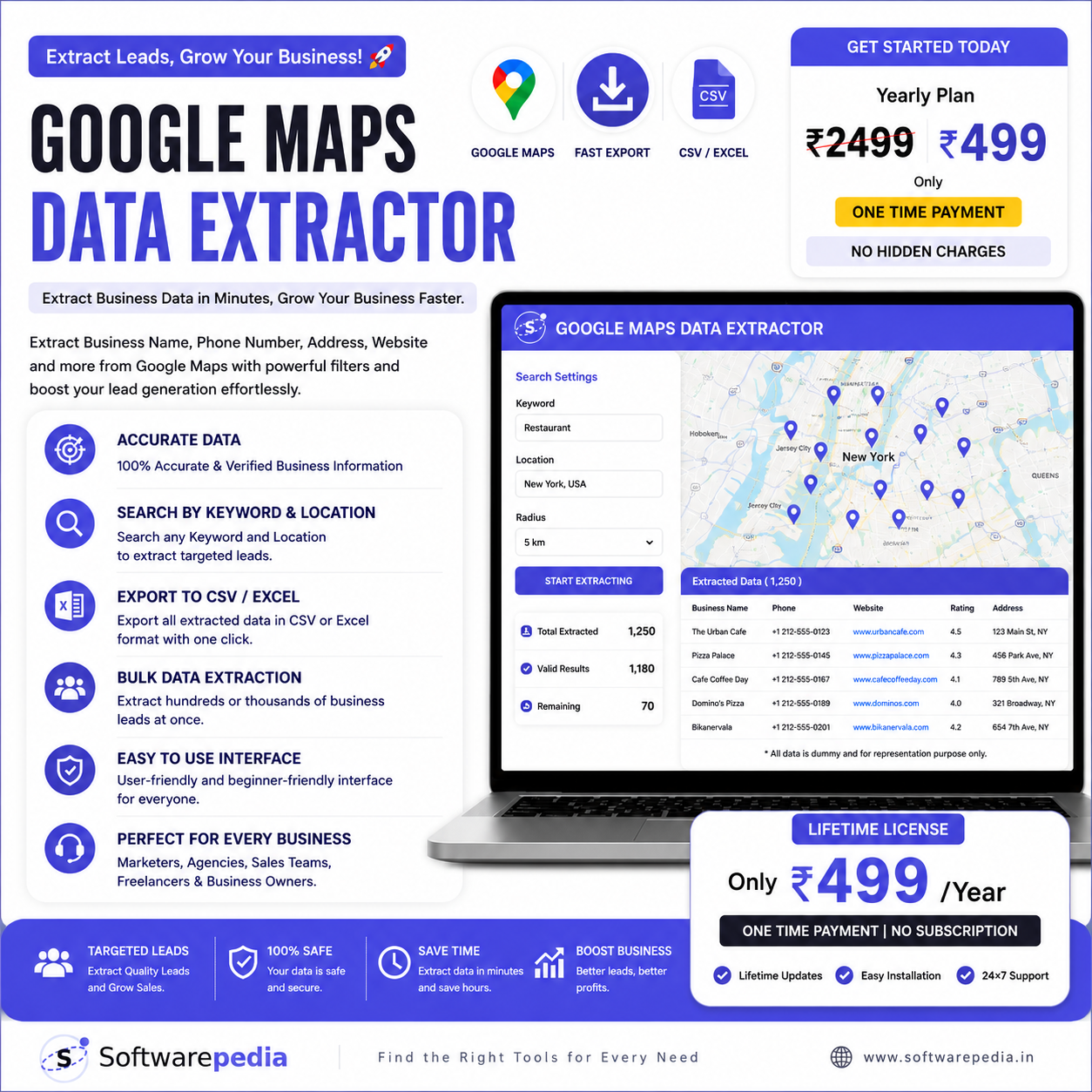
Google Maps Data Extractor is a powerful desktop application designed to help businesses, marketers, agencies, freelancers, and sales professionals collect valuable business information from Google Maps quickly and efficiently.
Whether you're building targeted prospect lists, generating local business leads, or conducting market research, this software simplifies the entire process by extracting publicly available business information into organized CSV or Excel files.
With an easy-to-use interface and fast extraction process, you can save hours of manual work while creating high-quality business lead databases.
Key Features
- 📍 Extract Business Names
- 📞 Extract Phone Numbers
- 🌐 Extract Website URLs
- 📍 Business Addresses
- ⭐ Ratings & Reviews
- 🏷️ Business Categories
- 🔍 Search by Keyword & Location
- 📂 Export to CSV & Excel
- ⚡ Fast & User-Friendly Desktop Application
- 🎯 Perfect for Lead Generation & Market Research
Perfect For
- Digital Marketing Agencies
- Sales Teams
- Local SEO Experts
- Freelancers
- Business Owners
- Lead Generation Companies
- Market Research Professionals
Product Information
- Software Name: Google Maps Data Extractor
- Platform: Windows Desktop
- License: Lifetime License (As Per Purchased Plan)
- Export Format: CSV & Excel
Google Maps Data Extractor – Installation Guide
Step 1: Download
After successful payment, you'll receive an email with the Software ZIP File. Download it to your computer.
Step 2: Extract the ZIP File
Right-click the ZIP file and select Extract All (or use WinRAR/7-Zip).
Step 3: Open Chrome Extensions
Open Google Chrome and go to:
chrome://extensions/
Or click Menu → Extensions → Manage Extensions.
Step 4: Enable Developer Mode
Turn Developer Mode ON (top-right corner).
Step 5: Install the Extension
Click Load Unpacked and select the extracted folder.
Your software will be installed successfully.
Step 6: Sign Up
Open the software and click Sign Up to create your account.
Step 7: Activate
You'll receive a second email containing your Activation Key.
Enter the Activation Key in the software and click Activate.
✅ Your Google Maps Data Extractor is now ready to use!

Reviews
Clear filtersThere are no reviews yet.